Apple Health diabetes tracker for iPhone
Use Glu Sight to review compatible glucose and insulin data from Apple Health alongside manual entries, without making Apple Health a requirement.
Apple Health can be a useful place for glucose and insulin data to come together. But it should be optional, not a barrier to keeping a useful record.
Glu Sight is an iPhone diabetes tracker that can read compatible glucose and insulin data through Apple Health, while still giving manual entries an equal place in your history.
Connect Apple Health when it fits your setup
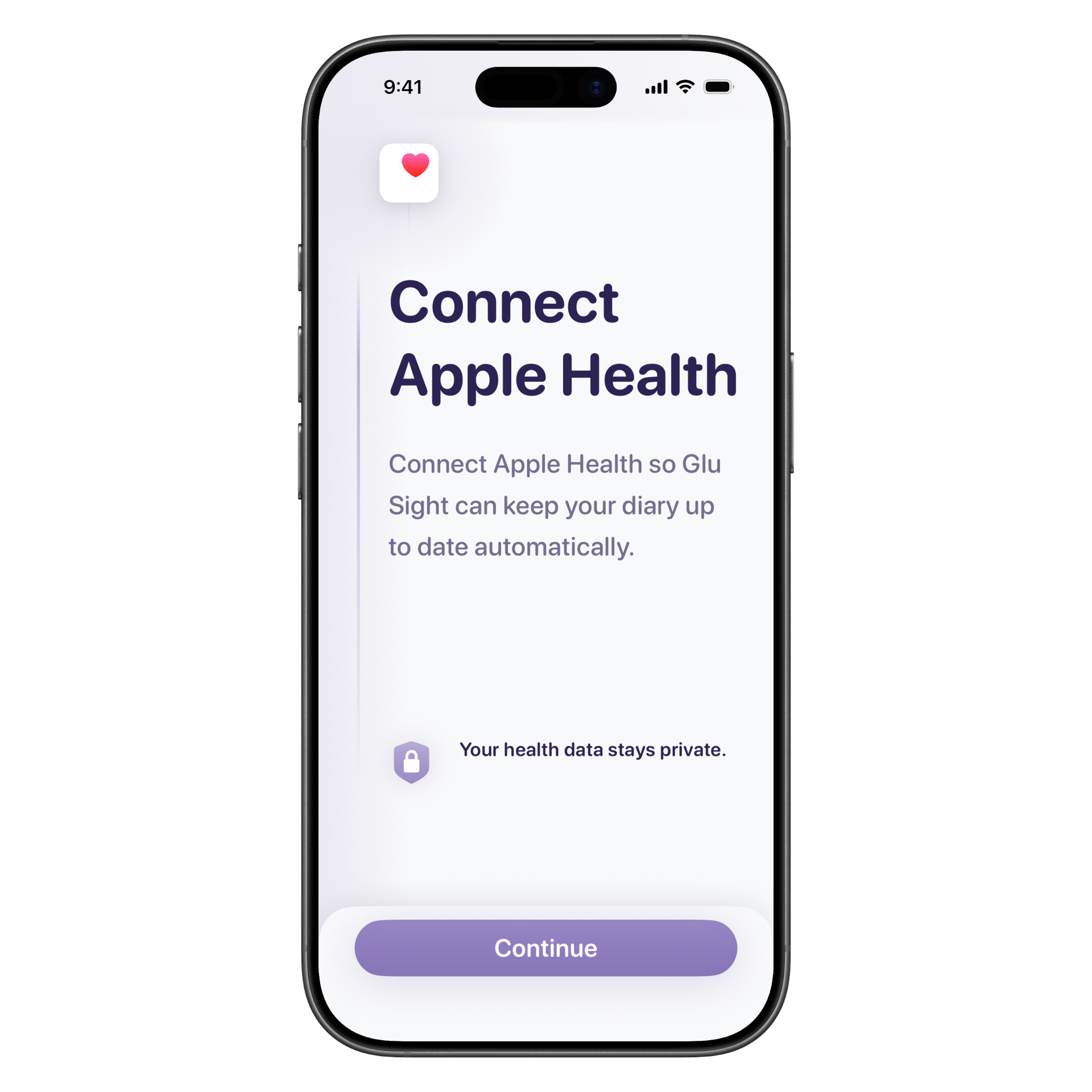
During setup, you can choose to connect Apple Health or start with manual logging. If a CGM, meter, or insulin device writes compatible data to Apple Health through its own app, Glu Sight can read that data from Apple Health.
Glu Sight does not connect directly to glucose meters, CGMs, or insulin devices. Apple Health is the optional bridge when you use compatible device data.
Compatible Apple Health sources
Glu Sight can work with glucose and insulin data from compatible devices and apps that write to Apple Health. Known compatible sources include:
- Dexcom G5, G6, and G7
- Accu-Chek Connect
- InPen smart insulin pen
- OneTouch Verio Flex
Glu Sight reads this data through Apple Health, rather than connecting directly to the device. If your device or its companion app writes compatible glucose or insulin data to Apple Health, it may fit the same workflow.
Manual entries still belong in the same history
Connected data is only one way to track.
You can enter glucose readings manually, record insulin doses if you track them, and use Apple Health for the data you choose to share. That makes it possible to keep one useful record even when your routine includes a mix of manual checks and compatible connected data.
For more on the manual workflow, see manual glucose tracking without a CGM.
Review compatible data in a focused app
Glu Sight organizes the information you choose to track into a daily view, charts, trends, time in range, estimated A1C, and optional Insights. The focus is on making your own history easier to review, not on adding a large health dashboard around it.
If you track insulin too, read about using a blood glucose and insulin log in one app.
Your health data stays under your control
Apple Health permissions are your choice. You decide what Glu Sight can read or write, and you can change those permissions in the Health app at any time.
Glu Sight is independent and ad-free. It does not send your glucose readings, insulin records, or other diabetes data to its own servers or sell that data to third parties.
Exports when you need a record outside the app
When you want to review your history away from the app, Glu Sight Plus includes PDF and CSV exports. Manual entries and compatible Apple Health data can contribute to the same history, so your report does not need to start from scratch.
See blood sugar history and reports for appointments for the appointment-prep workflow.
An Apple Health diabetes tracker that stays flexible
Glu Sight works well when Apple Health is part of your setup, and when it is not. The goal is a clear iPhone record for the glucose, insulin, and medication information you choose to keep.